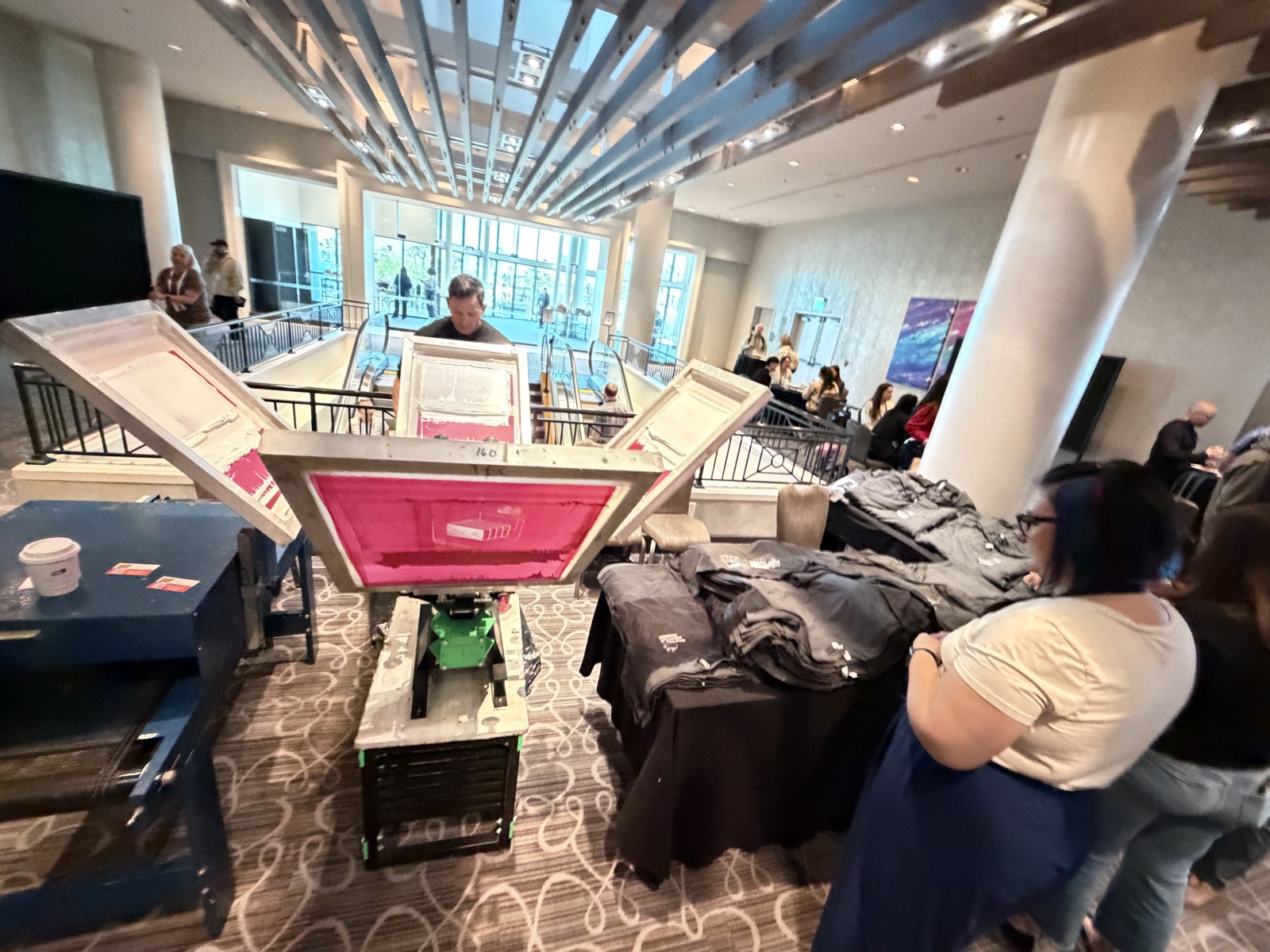
Every planner eventually makes the call we all dread: the sponsor changed their logo, the date on the design is wrong, or legal wants a line removed, and the event is in four days. On-demand printing rush orders and last-minute artwork changes are survivable — but only some of them, and the difference is usually decided weeks before anyone panics.
A hierarchy of what a change costs
Not all changes are equal, and lumping them together is why these conversations go badly. Roughly in order of pain:
- Turning something off. Removing a design from the menu costs nothing and takes seconds. Always the easiest fix.
- Text inside an existing template. Changing a year, a city, a hashtag, or a name field in a design we already built. Minutes, if we are printing transfers on site.
- Color change on existing art. Straightforward for DTF and vinyl, meaningfully harder for screen printing, where each color is a physical screen and a setup.
- New artwork from a clean production file. Possible on site with a DTF printer in the truck. Realistically 30 to 60 minutes from approved file to first pressed piece, and that assumes the file needs no rebuilding.
- New artwork from a bad file. This is the one that fails. A low-resolution JPEG with a white box behind it is not a rush job, it is an art project.
When you call us four days out, tell us which tier you are in. It changes the answer entirely.
Why the lock date exists
We ask for artwork locked roughly ten business days before the event, on a booking made four to eight weeks out. That is not administrative caution.
Transfers get produced and shipped. Screen printing needs a screen burned per color, so a two-color design is two setups before anyone prints anything. Custom patches and chenille run about three weeks by themselves, which is why a patch programme genuinely cannot absorb a late change. Jerseys with names and numbers need the roster, and rosters are always the last thing anyone sends.
The lock date is the point at which a problem is still fixable without affecting your event. Past it, you are trading options for time. Our planning guide maps the full timeline.
What makes a file rush-ready
The single biggest predictor of whether a last-minute change works is the quality of what lands in the inbox. What we want:
- Vector where possible — AI, EPS, or PDF with live paths. Scales cleanly, recolors cleanly.
- Otherwise a transparent PNG at 300 dpi at actual print size. A 300 dpi file at one inch wide is not a 300 dpi file at twelve inches wide.
- Fonts outlined or supplied. Missing fonts substitute silently and nobody notices until the shirt is pressed.
- No thin strokes under about a point at final size. Fine lines break up on fabric, especially on textured knits and fleece.
- Realistic color expectations. Saturated neons and specific brand blues can shift on garment. If exact color is critical, we need a test before the event, not on the day.
Send the file at the size it will print. More than half of rush problems are scaling problems in disguise.
What the booth can actually do
If your package includes on-site DTF printing, the booth has a real production capability, not just a press. That means a genuinely new design can enter the menu mid-event, once the file is clean and someone with authority approves the proof.
Two constraints to understand. First, every minute the printer spends on new art is a minute it is not producing menu transfers, so a mid-event change quietly costs throughput on a station that otherwise runs 60 to 90 pieces per hour. Second, someone has to approve it. Nominate one person with sign-off authority and put their mobile number on the run sheet. The most expensive delay in live printing is not production, it is waiting for a decision by committee.
If the package is press-only with pre-produced transfers, the answer changes: text-level personalization stays flexible, but new full-color art does not. Worth knowing which package you have bought. Our note on printing speed at an event covers the throughput side, and services covers the setups.
Design the flexibility in up front
The planners who survive late changes are the ones who built for them in the brief. Four habits worth stealing.
Keep sponsor logos on a separate layer or a separate placement rather than baked into the main graphic, so a sponsor change does not invalidate the whole design. Avoid printing dates and headcounts unless they are genuinely part of the concept. Approve one safe fallback design early, so if the hero art is still in legal review at the lock date, there is something ready. And keep a personalization field — a name, a team, three words — because that is the element guests actually care about, and it is also the element you can change any time at zero cost.
Send it over and we will tell you straight
If something has changed and your event is close, send the file and the date and we will tell you honestly what is possible rather than what you want to hear. Start a quote or call (562) 614-4800.